





How to Hide Your Instagram Following List
Instagram is a place where people share moments and follow others they like. But not everyone wants their activity to be visible. Many users ask how to hide their Instagram following list. They want more…
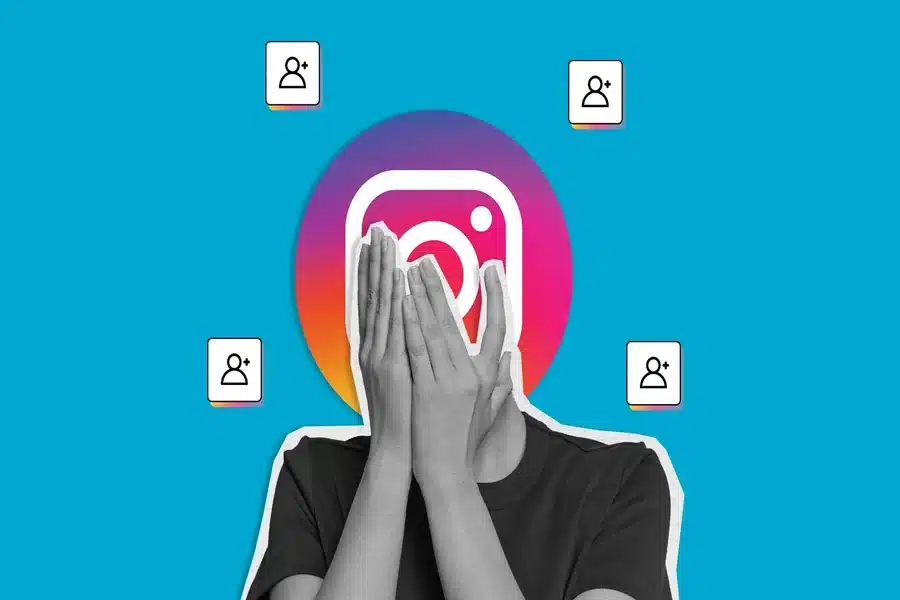
Instagram is a place where people share moments and follow others they like. But not everyone wants their activity to be visible. Many users ask how to hide their Instagram following list. They want more privacy and control over who sees their interests. Instagram does not offer a direct button to hide only the following list. But there are effective ways to limit who can see it. This guide explains all the working methods in a simple way.
Why You May Want to Hide Your Following List
Your following list shows the accounts you follow. Anyone who visits your profile can see it if your account is public. This can feel uncomfortable. Some people want privacy. Others want to avoid judgment or unwanted attention. Some just want a cleaner personal space online. Whatever the reason Instagram gives you a few tools to protect your privacy.
Make Your Instagram Account Private
The best way to hide your following list is to make your account private. This is the only official method that works fully. Open the Instagram app and go to your profile. Tap the menu icon in the top corner. Select Settings and privacy. Tap Account privacy. Turn on Private account. Once your account is private only approved followers can see your following list. People who are not following you cannot view it. This change applies instantly.
What Happens After You Go Private
When your account becomes private your posts stories followers list and following list are hidden from non followers. Your current followers stay approved. New users must send a follow request. You decide who can follow you. Your profile photo and bio stay visible. But everything else stays protected. This gives you full control over your account.
Remove Followers You Do Not Trust
Even with a private account your followers can still see your following list. If you want more privacy you can remove certain followers. Go to your profile and tap Followers. Find the person you want to remove. Tap Remove next to their name.
They will stop following you. They will not get a notification. After removal they can no longer see your following list unless you approve them again. This is a quiet and effective option.
Block Specific Users
Blocking is another way to hide your following list from specific people. When you block someone they cannot see your profile posts followers or following list. Go to the user profile. Tap the three dots. Choose Block and confirm. Blocking is helpful if someone is stalking your account or making you uncomfortable. You can unblock them later if you change your mind.
Use Restrict for Limited Interaction
The restrict feature does not hide your following list but it limits interaction. Restricted users cannot see when you are online or if you read their messages. This option is useful when you want distance without blocking. However restrict does not protect your following list. Use it only for interaction control.
Avoid Third Party Apps
Some apps claim they can hide your Instagram following list. These apps are not safe. Instagram does not allow third party tools to control core privacy features. Using them can lead to account hacking or suspension. Always use Instagram’s official settings for privacy.
Common Myths About Hiding Following List
Many users think muting or hiding stories hides the following list. This is not true. Others believe they can hide only the following list and keep everything else public. Instagram does not support this feature yet. The only real solutions are making your account private removing followers or blocking users.
Is There Any Other Way
At the moment there is no separate option to hide just the following list. Instagram may add more controls in the future. For now using a private account is the safest and most reliable solution.
Final Thoughts
Your Instagram following list shows a lot about your interests. Wanting to keep it private is completely normal. Instagram gives you basic but effective tools to control who sees your activity. Making your account private is the best method. Removing followers and blocking users adds extra protection.