







How to Link TikTok to Instagram Easily and Safely
TikTok and Instagram are two of the most popular social media platforms in the world. Millions of people use them every day to share videos photos and stories. Many creators and regular users want to…
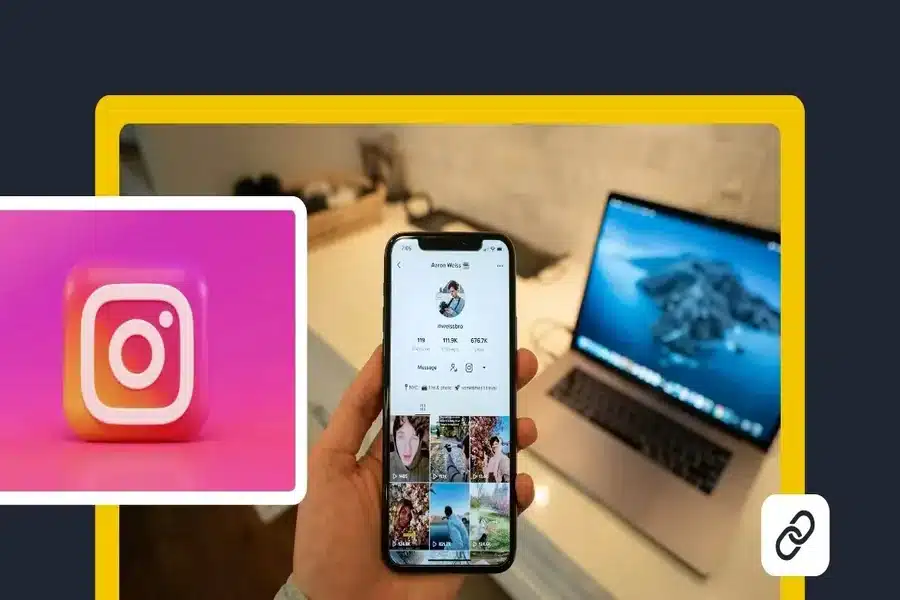
TikTok and Instagram are two of the most popular social media platforms in the world. Millions of people use them every day to share videos photos and stories. Many creators and regular users want to connect these two platforms. Linking TikTok to Instagram makes it easier for people to find you on both apps. It also helps grow your audience and build a stronger online presence.
This guide explains how to link TikTok to Instagram step by step. It also covers common problems benefits and useful tips to get the most out of the connection.
Why Linking TikTok to Instagram Matters
Linking your TikTok account to Instagram allows your followers to move between platforms easily. When someone visits your TikTok profile they can tap your Instagram link and follow you there. This saves time and increases engagement.
For creators this is very useful. Your short TikTok videos can attract viewers who want to see more content on Instagram. For personal users it keeps all your social profiles connected in one place. It also makes your profile look more complete and professional.
Things You Need Before Linking Accounts
Before you start make sure you have access to both accounts. You need to be logged in to your TikTok account on the app. You also need to know your Instagram username and password. Your Instagram account should be active and not restricted. If your account is disabled or locked the linking process may fail. Make sure both apps are updated to the latest version. Older versions may not show all features.
How to Link TikTok to Instagram Step by Step
Open the TikTok app on your phone. Go to your profile by tapping the profile icon at the bottom. On your profile page tap Edit profile. You will see several options like name bio and links. Look for the option that says Add Instagram or Instagram. Tap on it. TikTok will redirect you to Instagram. You may be asked to log in. Enter your Instagram login details and approve the connection. Once approved your Instagram icon will appear on your TikTok profile. People can now tap it to visit your Instagram page. The process takes only a few minutes.
How to Check If the Link Is Working
After linking go back to your TikTok profile. You should see the Instagram logo below your bio or near your profile information.
Tap the icon. If it opens your Instagram profile then the link is working correctly. If nothing happens or you see an error you may need to reconnect the account.
How to Unlink Instagram from TikTok
Sometimes you may want to remove the link. This could be due to privacy reasons or account changes. To unlink go to your TikTok profile. Tap Edit profile. Find the Instagram option and tap it. Choose Unlink or Remove depending on your app version. The Instagram icon will disappear from your profile. You can link a different account later if needed.
Common Problems When Linking TikTok to Instagram
Some users face issues during the linking process. One common problem is login errors. This usually happens if your Instagram password is incorrect or if two factor authentication is enabled. Another issue is the Instagram option missing from the profile settings. This may be due to app version problems or regional limits.
Sometimes the link appears but does not open. Logging out of both apps and logging back in often fixes this issue. Clearing app cache and updating the apps can also help.
Privacy and Security Considerations
Linking accounts shares limited information. TikTok does not get access to your Instagram messages or private data. It only creates a clickable profile link. However you should still be careful. Make sure you are linking your own accounts. Never enter your login details on unofficial screens. If you notice unusual activity on either account change your password immediately. You can also revoke access from Instagram settings if needed.
Benefits for Creators and Businesses
For creators linking TikTok to Instagram helps grow a personal brand. TikTok content is fast and viral. Instagram offers more options like stories reels and direct messages.
By linking both you guide followers to different types of content. This increases reach and engagement. Businesses also benefit. A linked profile looks trustworthy. It allows customers to explore your brand on multiple platforms. This connection can lead to more followers sales and collaborations.
Tips to Get More Followers After Linking
Once your accounts are linked make sure your Instagram profile is ready. Use a clear profile picture and a good bio. Post regularly on both platforms. Mention your Instagram in TikTok captions or videos. Encourage viewers to follow you on Instagram for more content. Use similar usernames on both apps. This helps people recognize your profile easily. Consistency builds trust and visibility.
Linking TikTok and Instagram for Personal Use
You do not need to be a creator to link accounts. Regular users also benefit from this feature. Friends and family can follow you easily. Your online presence becomes more connected. It also saves time when sharing content across platforms. You stay in control and can unlink at any time.
Final Thoughts
Linking TikTok to Instagram is a simple but powerful step. It takes only a few minutes but offers long term benefits. It helps people find you follow you and engage with your content.
The process is safe easy and reversible. As long as you use official apps and settings your account stays secure. Whether you are a creator a business owner or a casual user connecting TikTok and Instagram helps you stay visible and connected in the social media world.